Support
If you need help with RackRush, email us at [email protected].
Prefer a form? Send a message below and we’ll reply by email.
Response time: we aim to reply within 1–2 business days. (We operate primarily in the Europe/London timezone.)
For launch updates, use the signup form on the home page.
Download
Public beta builds are available via TestFlight:
If a link is full or unavailable, join launch updates on the home page and we’ll post changes there.
What to include in your email
To help us respond quickly, please include:
- Your device model and iOS version
- The app version (from Settings → About, if available)
- A short description of what happened
Kids Mode / RackRush Kids
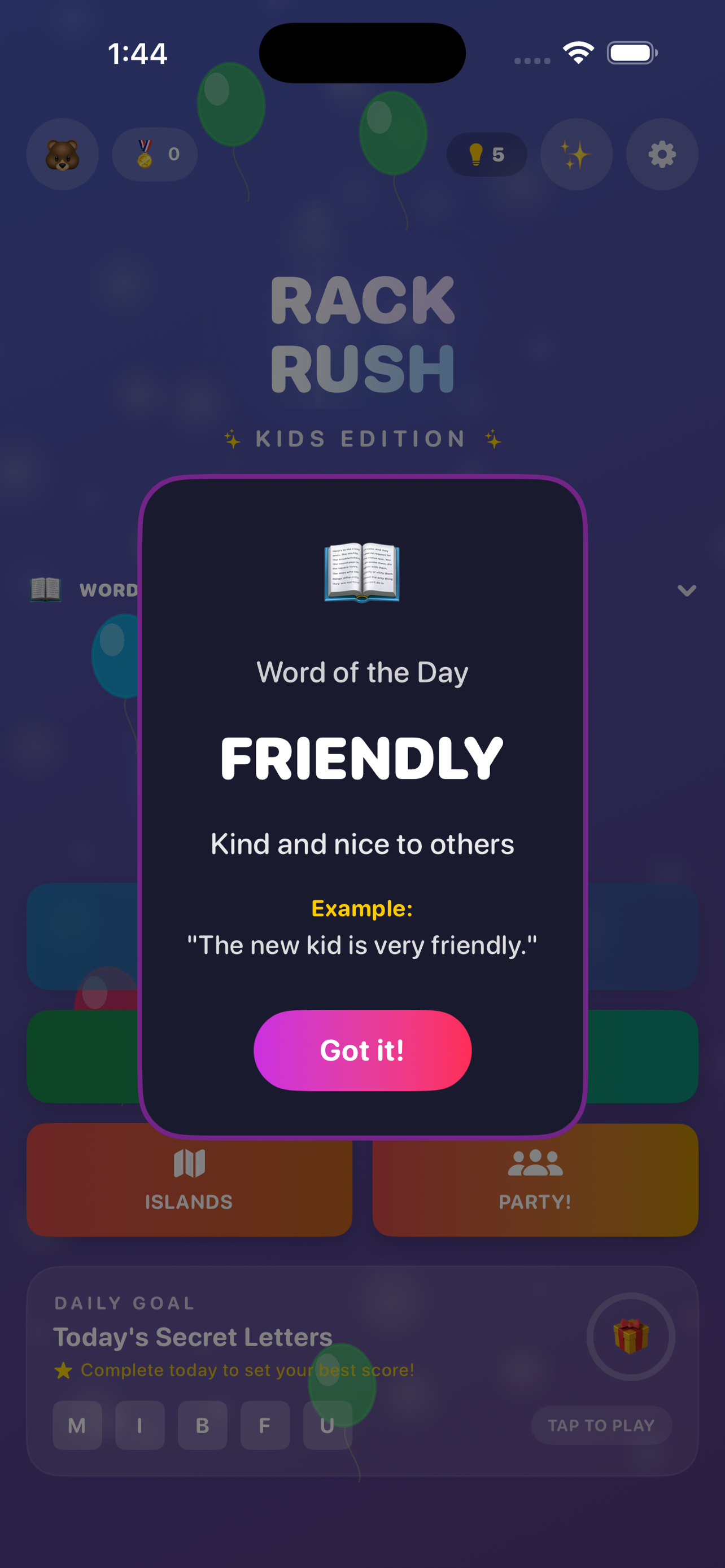
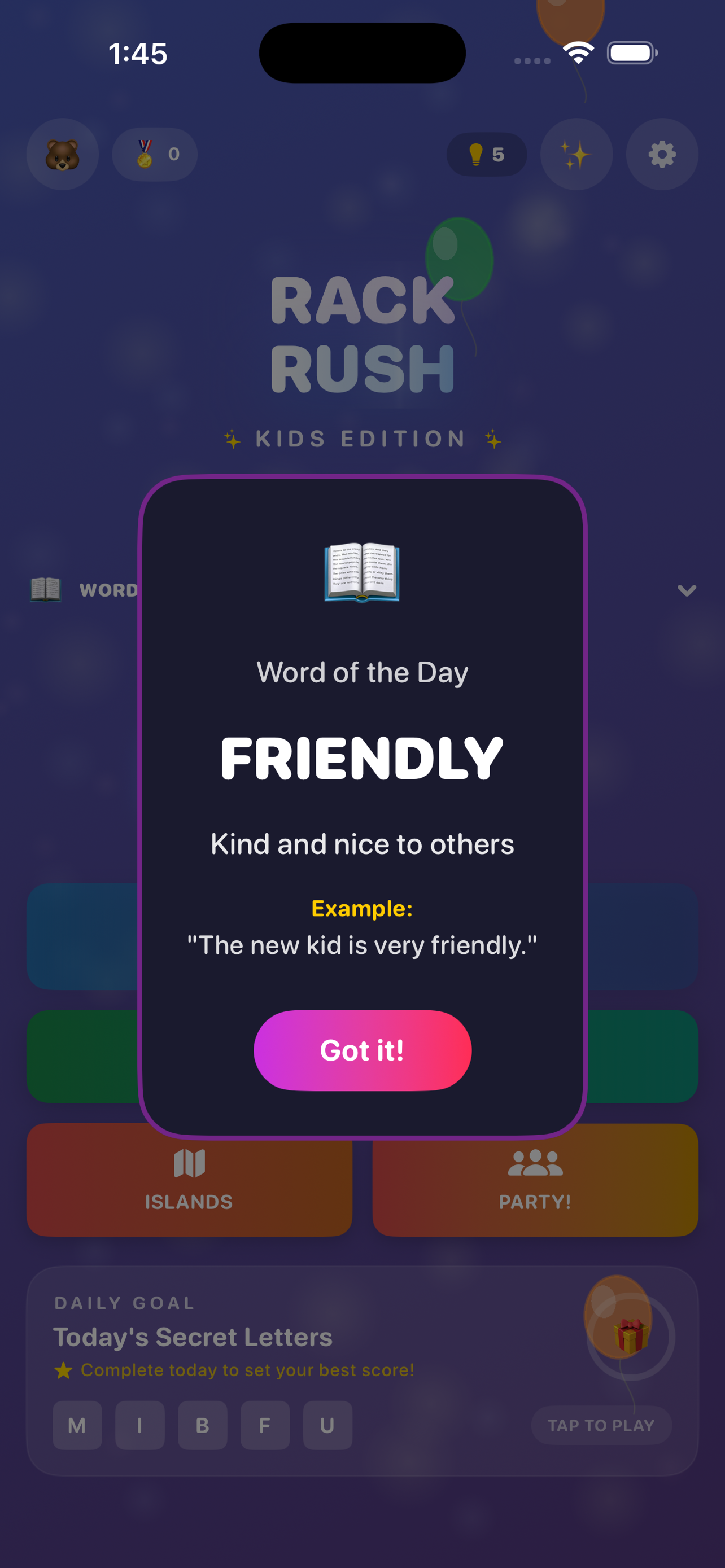
Kids Mode is designed to be safe by default. Online features can be disabled or enabled using parental controls. If you're reporting a Kids Mode issue, please mention whether online play was enabled.
- Ages 4–12 with age-adaptive letter counts and word difficulty
- Player names are randomly generated fun presets (e.g. "Happy Fox") — kids cannot type custom names
- Local Party Mode lets kids play with friends on the same WiFi — requires Local Network permission
- Online Play is off by default and can only be enabled by a parent via a 4-digit PIN
FAQ
Multiplayer won’t connect
First, make sure you have a stable internet connection and that online play is enabled in the app. If you’re in Kids Mode / RackRush Kids, online is off by default and must be enabled via parental controls.
I can’t find the app in the App Store yet
The listings may not be public yet. Join launch updates on the home page and we’ll share the App Store links as soon as they’re live.
Can I play 2-letter words?
Yes! We support standard 2-letter words (like "ZA", "QI", "JO", "XI"). They are a great way to use tricky letters in tight spots!
What does RackRush Pro include?
RackRush Pro is a one-time purchase that unlocks premium features forever: Hard bots, bot personalities, hosting Party lobbies, Tournament mode, creating Friend Challenges, and full Stats, Achievements, and Leaderboard history. Free players still get unlimited Online PvP, Daily Challenge, Easy/Medium bots, and joining Party invites.
How do I restore my RackRush Pro purchase?
Go to Settings → Purchases → Restore Purchases in the app. Your purchase is tied to your Apple ID, so it will restore on any device signed into the same account.
How do purchases and refunds work?
Purchases are handled by Apple via your App Store account. For refunds, visit reportaproblem.apple.com. If something looks wrong, email us and we’ll help you diagnose what happened.
Is RackRush Kids free?
Yes! RackRush Kids is completely free with no in-app purchases, no ads, and no tracking. It’s a standalone app designed for ages 4–12.
Why didn't my loss count on the leaderboard?
RackRush is a Winners Only game. Losses are completely ignored by the system. They do not affect your rating, win count, or profile stats. Only your best performance matters.
Do games against the computer count?
No. "VS Bot" mode is strictly for practice. Matches against bots are never recorded and do not affect your ranking.
Why can't I rematch the bot more than 3 times?
Bot sessions are capped at 3 matches to keep the focus on multiplayer competition. You can always start a fresh session!
I forgot the Kids Mode PIN
Email [email protected] with details of what you’re seeing. (We can guide you through the recovery/reset steps supported by the current version.)
How do I report a bug?
Email [email protected] and include your device model, iOS version, app version, and the steps to reproduce. Screenshots or a short screen recording help a lot.
What if I want to request data deletion?
If you’ve emailed support and want your support emails removed, contact [email protected].
Why can't my child type their own name?
For safety, RackRush Kids uses randomly generated fun nicknames like "Happy Fox" or "Brave Owl". Kids can tap the 🎲 button to shuffle and get a new name, but they cannot type custom names. This prevents sharing personal information or inappropriate text.
Local Party Mode says "Failed to host" or won't find friends
Local Party Mode uses your device's Local Network feature to find nearby players. When you first tap "Start a Party" or "Join a Party", iOS asks for Local Network permission. If you tapped "Don't Allow", go to Settings → RackRush Kids → Local Network and enable it. All devices must be on the same WiFi network.